Photograph conditions, equipment, and findings on site.
DOKRAInspect Document Deliver
DOKRAInspect Document Deliver
Every job has a process.Build yours in DOKRA.
Inspect, document, and report from the field with flexible workflows built for the way your business works. Start with a DOKRA template or create your own.
InspectDocumentDeliver
One field inspection platform. Built around your workflow.
Core capabilities
Field professionals get one place to finish the job.
Create inspections, answer checklists, capture photo evidence, organize jobs, save your data, and generate professional reports — without bouncing between apps.
Answers, notes, and deficiencies stay with each item.
Turn field work into professional client documentation.
Share finished reports from the same job workflow.
Custom templates
Your work. Your workflow. Your template.
Start with a DOKRA template or build an inspection workflow around the work your company actually performs. These examples are starting points — not limits.
 RoofingRoof Condition Inspection
 Windows & DoorsWindows & Doors Report
 FlooringFlooring Inspection
 PropertyProperty Condition Report
- CustomBuild Your Own
Field documentation
Document the work while you're there.
Answers, photos, comments, and findings stay with the job — so what you capture on site becomes the report you deliver later.
- 1Capture photos
Associate each photo with the inspection item it documents.
- 2Add findings
Record what was observed with notes and deficiency details.
- 3Complete checklists
Follow repeatable company procedures on every visit.
- 4Generate reports
Turn field information into professional documentation.
Photo evidence
Photo evidence where it belongs.
Photos should stay connected to the exact section, question, condition, or finding they document — not dumped into a generic album after the fact.
Capture evidence in the field, associate it with the right inspection item, and carry it into the report with the context your client needs.
Industries
Built for work in the field.
Home inspectors, contractors, restoration teams, property managers, and other field-service businesses use DOKRA to standardize how jobs get documented.
- Home Inspection
- Roofing
- Windows & Doors
- Flooring
- HVAC
- Plumbing
- Electrical
- Restoration
- Property Management
- Commercial
- Custom Inspections
And whatever you inspect next.
Florida inspection solutions
Built-in workflows for Florida inspectors.
Wind Mitigation, Four Point, Roof Certification, Opening Protection, Mold, and IAQ remain first-class DOKRA services — specialized workflows inside a broader field inspection platform.
Revisit prior Four Point and Wind Mitigation jobs without rebuilding from scratch. Carry forward answers, photos, and section notes on your phone.
Attach mold, IAQ, and clearance lab PDFs directly to the job. Results stay with the report section they support — no separate email chain.
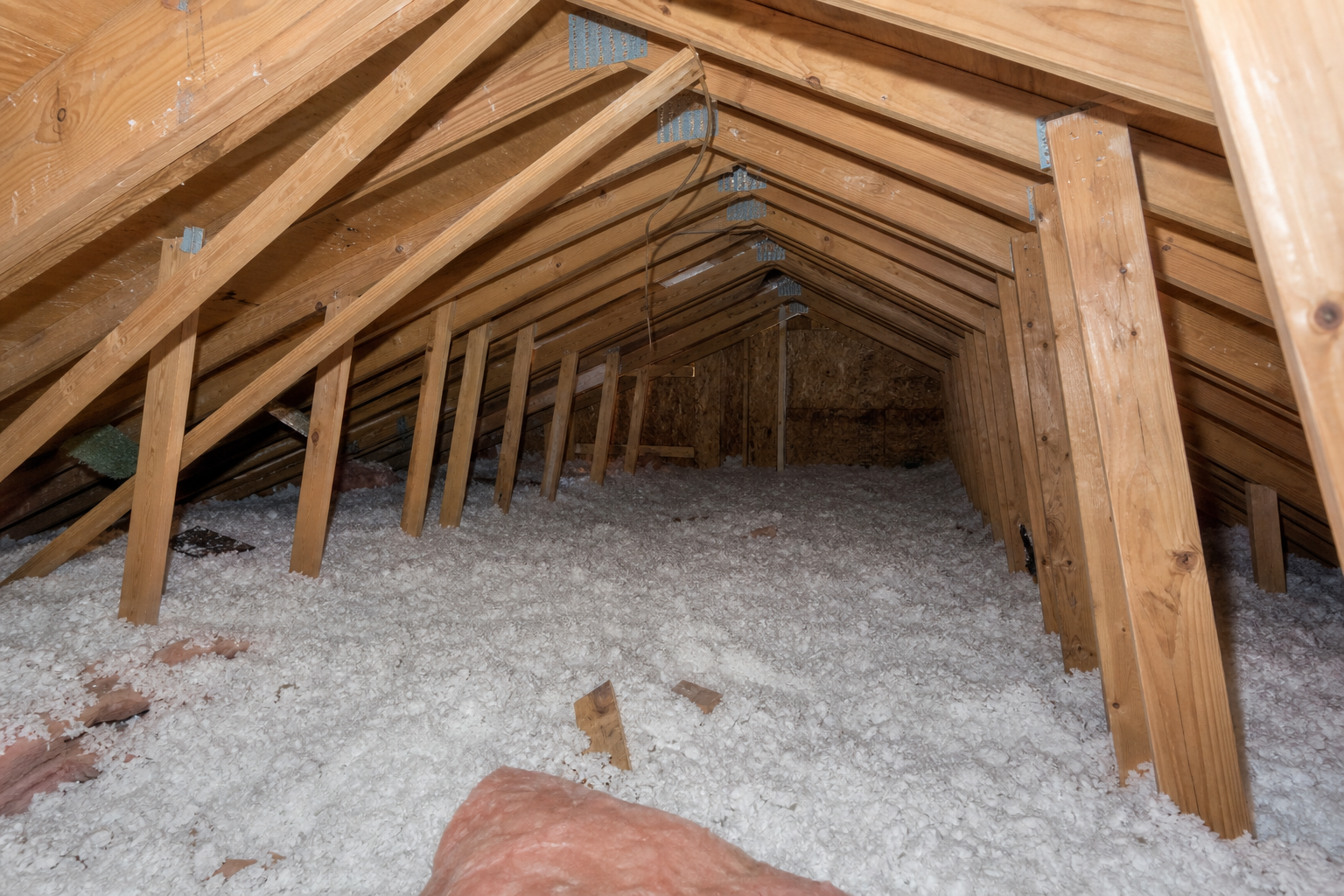
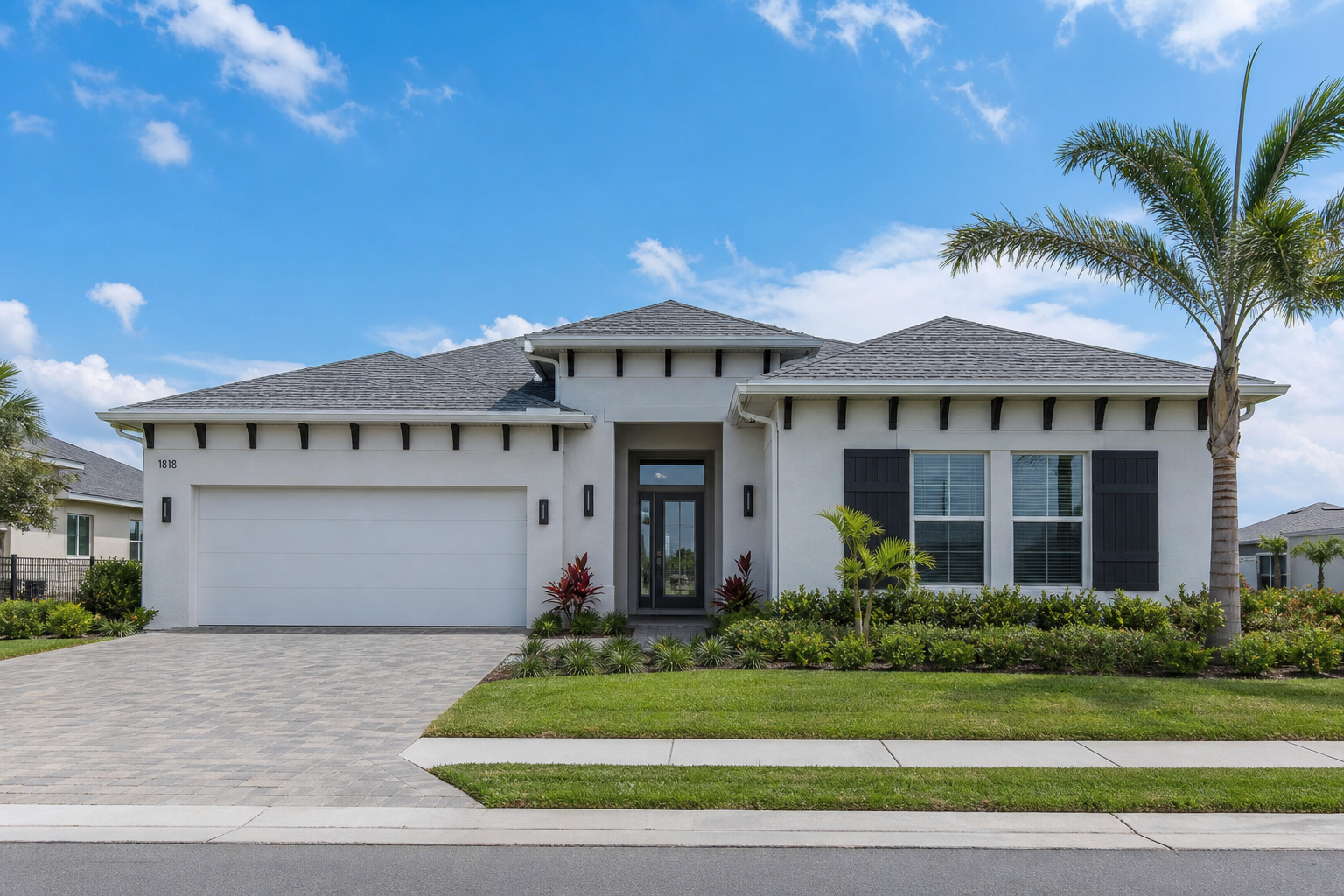
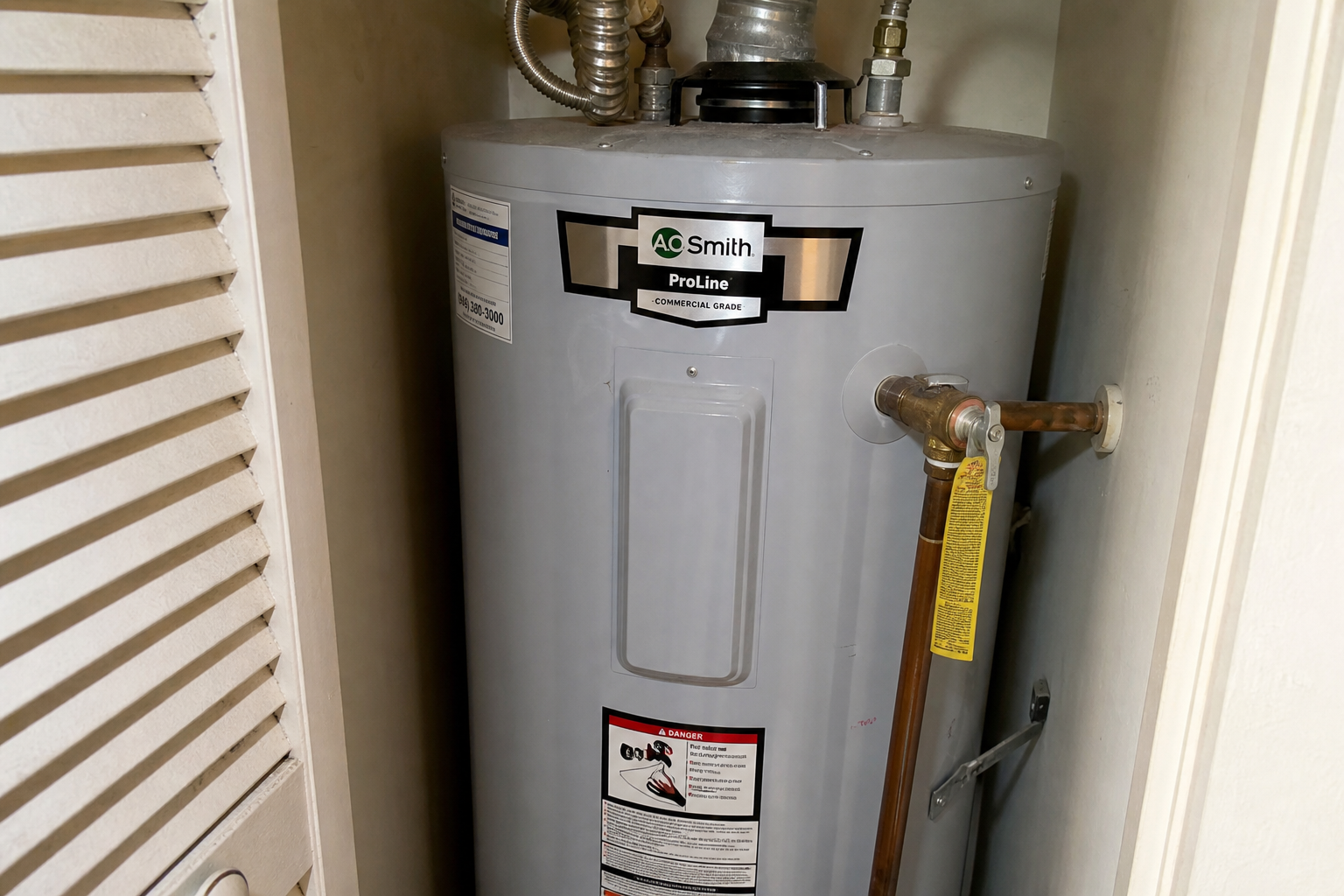
Front elevation, attics, panels, and water heaters are captured beside the checklist item they prove. Photos stay tied to the answer.
Complete the inspection, upload evidence, and generate the PDF from your phone or tablet. Office staff can review later if needed.
Four Point — Plumbing
Water heater and plumbing connections, documented where they belong.
Capture fixtures, shutoffs, and supply lines in the same section as your answers — so evidence and findings stay together for Florida Four Point work.
- Plumbing fixture grid aligned to field requirements
- Deficiency photos attach to the same section
- Comments roll into the PDF beside the checklist
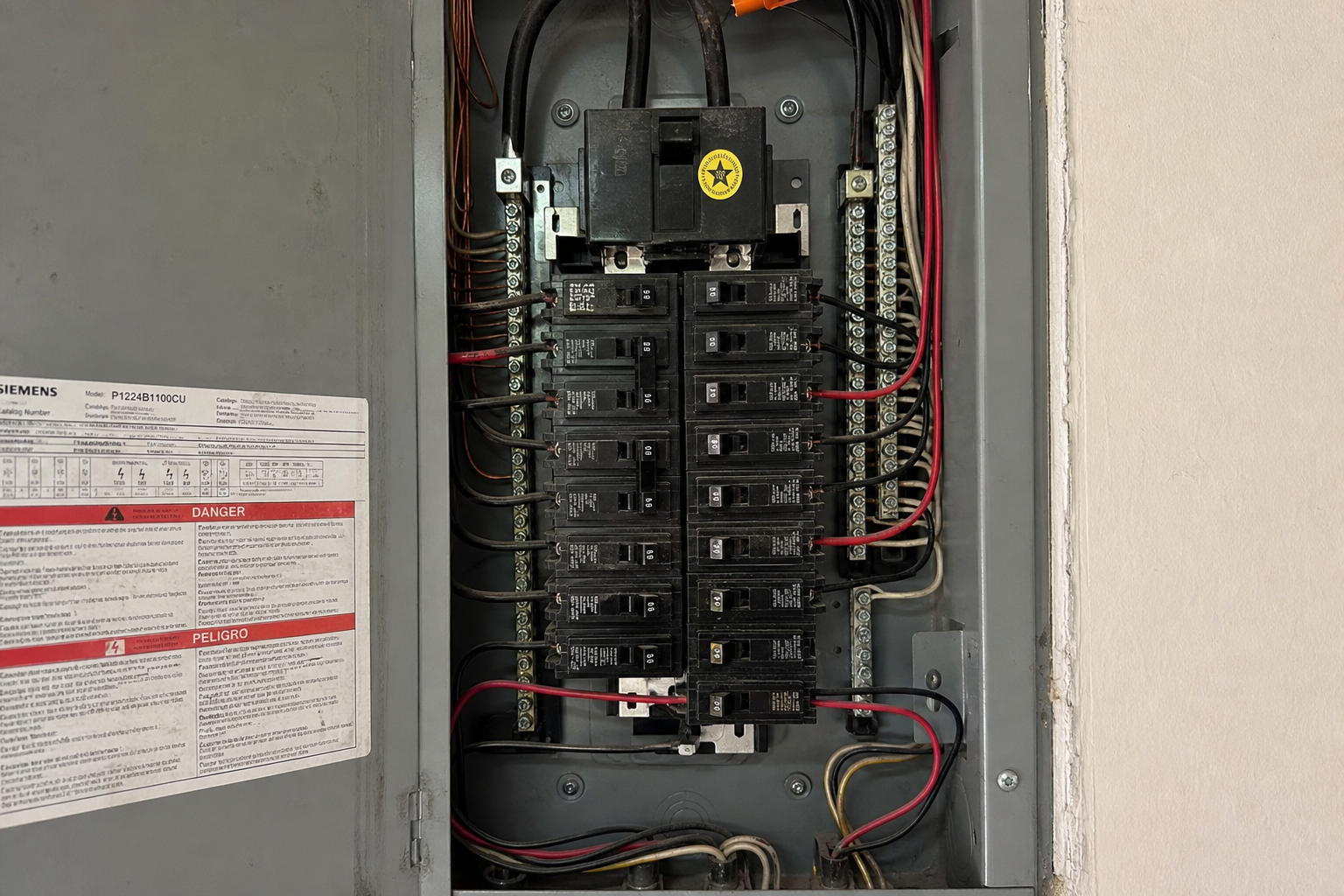
Four Point — Electrical
Panels, conductors, and hazards — photographed and answered together.
Document the main panel, branch circuits, and common hazard checklists without switching apps. Keep Florida Four Point electrical work in one mobile workflow.
- Electrical section photos grouped by requirement
- Hazard checklists use the same mobile layout as the field form
- PDF export mirrors what you captured on site
Wind Mit & Roof
Attic framing, connections, and roof documentation for Florida wind credits.
Photograph trusses, straps, and openings where the form asks for proof — then generate the OIR-style Wind Mitigation report from the job.
- Wind Mit templates built for Florida field work
- Opening protection and roof sections stay organized
- Preview or export the PDF before leaving the property
Templates ready today
Florida reports agents and underwriters ask for most.
Add more services to the same job — property details and client information carry forward so you are not retyping between Wind Mit, Four Point, and environmental add-ons.
- Four Point
- Wind Mitigation
- Opening Protection
- Roof Certification
- Home Inspection
- Mold / IAQ / PRV
Get started
Take your process into the field.
Start a job with a built-in template, or build a custom workflow around how your team already works.
DOKRAInspect Document Deliver
DOKRA